Single-line and outline fonts give a CNC engraving program different geometry. A single-line font supplies the strokes to follow; an outline font supplies the boundaries of a letter. Choose between them by the mark you want on the part: a cutter-traced inscription, a hollow letter, or a filled letter shape.
This matters when a thin-looking word on screen produces two tracks instead of the simple inscription you expected. Making the text look lighter does not necessarily remove one of its boundaries. The useful starting point is what paths the artwork contains and what the machining operation will do with them.
A Stroke and Its Outline Are Different Instructions
Picture a capital L drawn with a pen. Its stroke runs downward and then across. Now picture the boundary around a thick printed L: there are edges on both sides of its vertical and horizontal strokes. Following that boundary does not follow the same route as drawing the letter with a pen.
Autodesk's FeatureCAM support guidance makes this structural distinction between single strokes and letter boundaries. The distinction is useful beyond the appearance of the typeface, although the particular font choices in that support article belong to FeatureCAM. A font name in another program does not establish how your own CAM application will import or machine it.
With a stroke path, the tool's trace creates the visible inscription. Cutter geometry and the actual cut determine the physical groove; the path does not contain a filled letter body that must be cleared. With outline geometry, the boundaries identify a shape. The operation can follow those boundaries or remove material within them, depending on the intended result and the supported machining strategy.
Those two uses of an outline should not be confused. Tracing a broad letter can deliberately produce a hollow, outlined character. Filling its body is a different instruction. The empty center of an O also has to remain distinct from the surrounding letter body if that is part of the intended design. An outline is not defective because it is not a centerline, and a hollow result is not defective when it is the requested appearance.
Let the Required Letter Shape Decide
Consider a hypothetical maker designing a compact control panel. A short label identifies each opening, while routed pockets and mounting holes do other jobs. If the label is meant to resemble a simple pen-drawn inscription, a suitable single-line font expresses that intent directly. The maker needs the strokes themselves, rather than a filled silhouette of a printed typeface.
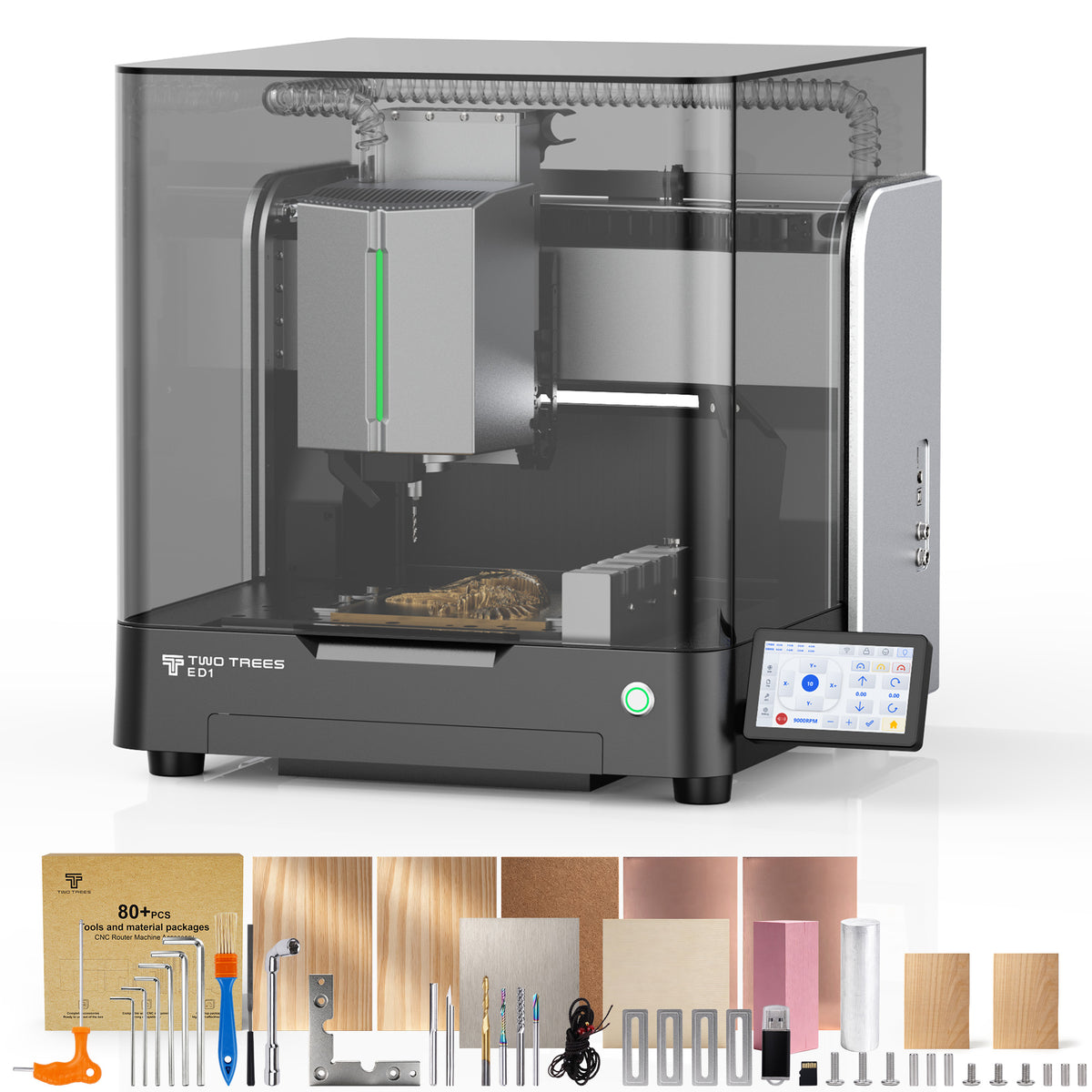
This is a relevant application when evaluating the ED1 desktop CNC router. TwoTrees presents the enclosed platform with an aluminum control-panel illustration that combines labels, pockets and holes. The relationship is useful for a maker who wants lettering as one feature of a routed part, not as an isolated graphic. It does not establish a particular font, lettering size or finished result.

Change the requirement, and the font decision can change without changing the panel material. Suppose the same maker must preserve a customer-specified wordmark with broad vertical strokes, fine connecting strokes and distinctive serifs. Replacing it with a simple stroke alphabet would change the design. A bounded outline retains the shape information needed to plan how that letter body should be machined.
Even then, preserving the outline and choosing the finished appearance are separate decisions. The customer might want a hollow monogram whose perimeter is visible, or a recessed, filled letter body. Both begin with boundaries, but they ask the CAM operation to do different work. Comparing a single stroke with a fully cleared decorative glyph as though they were identical outputs would hide the reason for choosing either one.
There is also a useful middle distinction. Vision Engraving & Routing Systems describes multiple-line engraving fonts as deliberately using several strokes to build the character's appearance. That is not simply another name for the two sides of a conventional outline. Multiple-line stroke geometry and an outline that will later receive a fill pattern can look related on screen while containing different instructions.
Do Not Turn an Intentional Stroke Into a Pocket
A pocketing operation needs a bounded region to identify the area to remove. A line-following engraving operation has a different input: the path the tool is intended to follow. Closing every open path is therefore not a universal improvement to lettering geometry.
Return to the pen-drawn L. Adding a closing segment between its endpoints could create a diagonal that was never part of the letter. The program might then receive an enclosed shape, but it would no longer receive the original inscription. The apparent solution to a pocket-input problem would have changed the artwork instead of matching the operation to it.
The reverse mistake is expecting a narrow outline to behave like an open stroke. If the imported character still contains boundaries on both sides of its stem, converting it to curves has preserved those boundaries; it has not calculated the middle route. Inspecting the resulting geometry distinguishes these cases more reliably than judging the font's weight on screen.
That inspection is not a reason to choose an arbitrary operation merely because it accepts the vectors. The available engraving operation, its interpretation of the paths and the program prepared for the machine must agree with the intended mark. Software-specific instructions need to concern the actual application and workflow. FeatureCAM examples, or the words “single-line” in a font's description, do not by themselves verify a particular ED1 import or post-processing workflow.
A Single Path Is Not a One-Pass Promise
“Single-line” describes the letter's representation, not how many cutting passes the job requires. One stroke trajectory may be revisited at different depths. Retracts, travel between characters and other features on the part also contribute to a program. The number of strokes alone cannot establish the complete machining time.
For the hypothetical control panel, lettering could be only one portion of a job that also makes pockets and holes. Changing the text geometry would not remove those other operations. For the decorative wordmark, a faster-looking stroke substitution would not be an equivalent option if it discarded the shape the customer required. The meaningful comparison is between acceptable ways to produce the intended appearance, under the same relevant conditions—not between labels that describe different designs.
Gravotech's mechanical-engraving guidance similarly separates wire-font toolpaths from outline shapes that may be filled or left unfilled. Use that distinction to define the desired mark first. Then establish whether the actual geometry and supported operation preserve it. If the path contains the right letters but the cutter, material or physical setup cannot reproduce them, those are machining questions to resolve rather than evidence that every font must be converted to a different category.
For a cutter-traced inscription, retain the intended stroke routes. For a decorative silhouette, retain the boundaries that define its weight and internal spaces, and decide whether to trace or fill them. Before cutting, the actual stock, clearances, cutter and material instructions still have to suit the job. The font choice is complete when its geometry expresses the requested letters—not merely when the screen preview looks thin or the CAM operation stops reporting an open path.